Fast Breaks and Fast Cuts: Why Sports Streams Break Encoders That Handle Everything Else
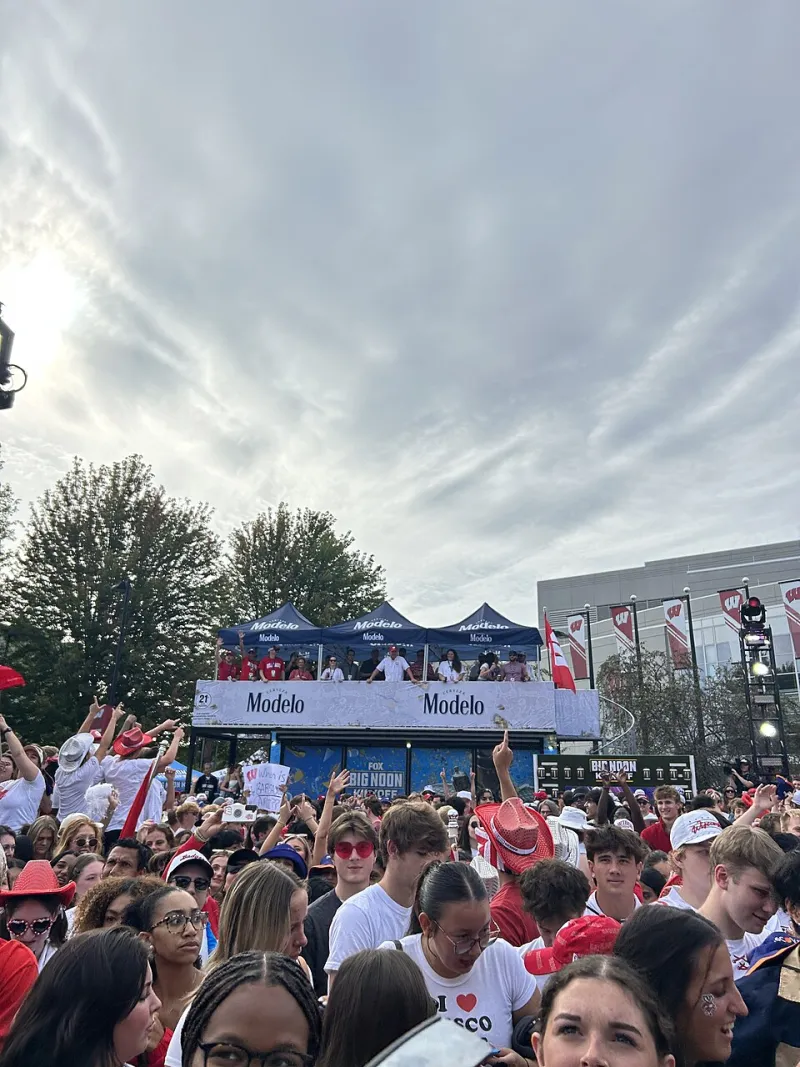
Photo: SecretName101, CC BY 4.0, via Wikimedia Commons
There's a reason your encoding setup hums along through a talking-head webinar and then falls apart the moment someone dunks a basketball. Sports are the worst-case scenario for every encoder setting you probably left at default. And when the game matters, there's no replay buffer of patience from your audience.
Motion Is a Bitrate Tax
Every encoder works by spending bits where the eye looks and where things change. A static studio shot? Cheap. A camera panning across a packed stadium with 22 players sprinting in different directions? That's the encoding equivalent of a maxed-out credit card.
Fast motion forces your encoder to burn through its bitrate budget constantly. When it runs out — and it will, if you're using settings tuned for general content — you get the telltale artifacts: smeared grass, blocky jerseys, numbers on jerseys that dissolve into mush. Your viewers notice. They always notice.
The fix starts with accepting that sports need more bits per pixel than your standard ladder suggests. A 1080p rendition that looks fine on a cooking show might need 30–50% more bitrate to survive a hockey game.
Why Stock ABR Presets Choke on Game Day
Most ABR ladders are built around a fiction: that content complexity is roughly average. Sports shatter that assumption.
The problems compound at the low end. Your 480p and 720p renditions, designed for viewers on weak connections, get hammered hardest during fast breaks. The encoder can't keep up with the motion, so it drops quality at exactly the moment the play gets exciting. That's when viewers start blaming their WiFi — and eventually, blaming you.
Consider building a sports-specific ladder:
- Raise floor bitrates. Bump your lower renditions up rather than letting them crumble during motion spikes.
- Tune your rate control. VBR with a higher peak allowance lets the encoder handle bursts without cascading artifacts.
- Adjust GOP structure carefully. Longer keyframe intervals boost compression, but sports benefit from tighter intervals to speed up segment switching and recovery after scene changes.
- Watch your B-frames. Heavy prediction helps efficiency but adds latency. For live sports, trim them.
The Latency Problem Nobody in Sports Gets to Ignore
A movie viewer finding out the ending five seconds late is annoyed. A sports fan hearing the neighbor cheer before the goal appears on their screen is gone — possibly forever, and definitely on social media about it.
Sports demand the lowest latency you can realistically deliver, which means your entire encoding chain needs to lean out. Shorter segment durations (one to two seconds), faster encoder lookahead trimming, and transport protocols built for low-latency delivery all matter. Every millisecond you add in encoding is a millisecond your rival broadcaster doesn't have.
What the Big Outages Taught Us About Headroom
Remember the major US streaming stumbles during marquee events — playoff games and fight nights where the stream turned into a slideshow? Post-mortems usually blame CDNs or origin capacity, and sometimes that's fair. But encoding headroom is the quieter culprit.
When a live event spikes, your transcoding farm hits peak load simultaneously across every rendition. If you sized your capacity for average concurrent viewers instead of peak-game-day viewers, your encoders queue up, segment production lags, and your low-latency stream becomes a high-latency stream in real time.
The lesson: provision for your biggest night, not your typical Tuesday. Build in burst capacity, autoscale your transcoding tier, and stress-test with motion-heavy test footage — not test patterns — before the season opener.
Your Pre-Season Checklist
Before your next big broadcast:
- Run a full rehearsal with real game footage at peak bitrate settings.
- Verify every rendition in your ladder under motion load, not just the top one.
- Measure glass-to-glass latency end to end.
- Confirm failover capacity exists at the encoder tier, not just the CDN.
Sports fans forgive a lot. They don't forgive a pixelated fourth quarter. Tune for the action, budget for the peak, and your stream will keep up with the game — literally.